Image Converter
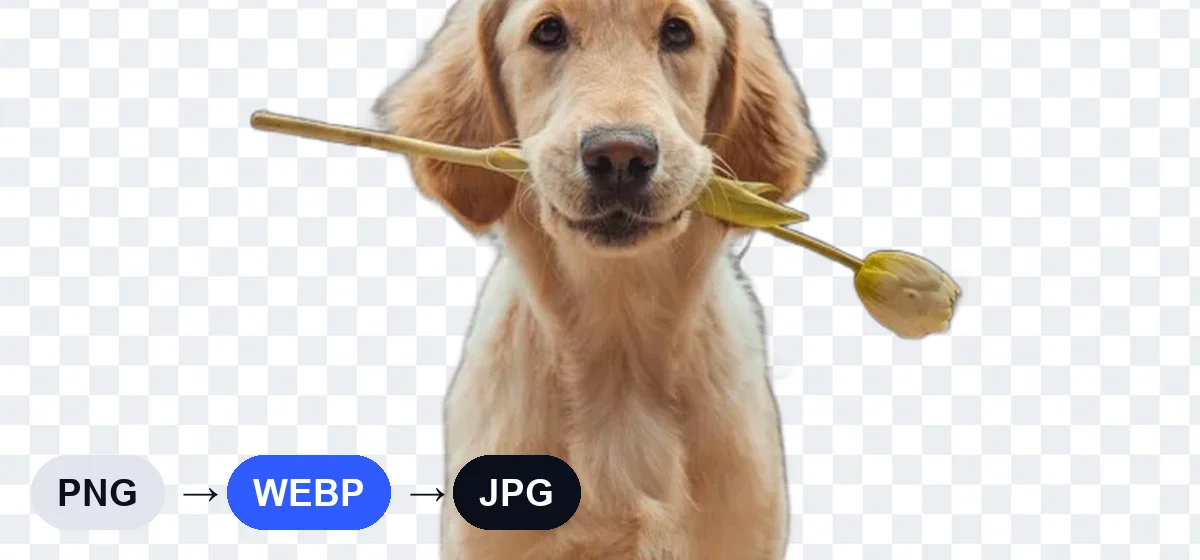
Convert between JPG, PNG and WebP in a click — batch supported, private and free.
How to convert images
- Select or drop your images.
- Choose PNG, JPG or WebP.
- Download each file or all at once.
Not sure which format to pick? Read PNG vs JPG vs WebP.
Frequently asked questions
Will converting to JPG keep transparency?
No. JPG doesn't support transparency, so transparent areas become white. Choose PNG or WebP to keep it.
Can I convert WebP to JPG?
Yes. Drop your WebP files, choose JPG and download.
Can I convert iPhone HEIC photos?
Only if your browser can open HEIC. Safari on Mac and iPhone usually can; in other browsers, export as JPG first.
Other free photo tools
 AI
AI
Background Remover
Remove the background from any photo with AI and get a transparent PNG.
Open tool → AI
AI
Passport Photo Maker
Passport & visa photos with white background in 35×45 mm, 2×2 in and more.
Open tool → AI
AI
Watermark Remover
Box-select a watermark — AI detects it and keeps refining until it's gone.
Open tool →
Image Resizer
Change width and height in pixels or by percentage, with aspect lock.
Open tool →
Image Compressor
Shrink JPG, PNG and WebP file size with a quality slider, in batches.
Open tool →