Image Resizer
Change an image's width and height in pixels or by percentage — instantly, in your browser.

How to resize an image
- Select or drop an image.
- Enter a new width or height, or pick a percentage.
- Click Download.
Common sizes
| Use | Size (px) |
|---|---|
| Instagram post | 1080 × 1080 |
| Instagram story | 1080 × 1920 |
| YouTube thumbnail | 1280 × 720 |
| Facebook cover | 1640 × 624 |
| Product photo | 2000 × 2000 |
Need a transparent cutout first? Use our background remover.
Frequently asked questions
Does resizing reduce quality?
Making an image smaller keeps it sharp. Making it much larger than the original adds pixels that weren't there, so it can look soft.
How do I keep the proportions?
Keep "Lock aspect ratio" on. When you change the width, the height updates automatically, and vice versa.
Are my images uploaded?
No. Resizing happens in your browser using your device.
Other free photo tools
 AI
AI
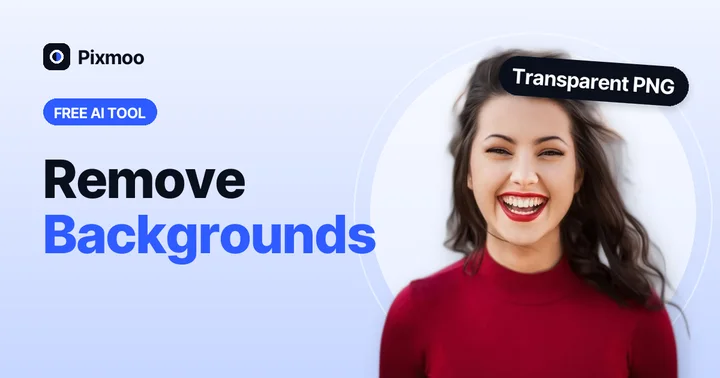
Background Remover
Remove the background from any photo with AI and get a transparent PNG.
Open tool →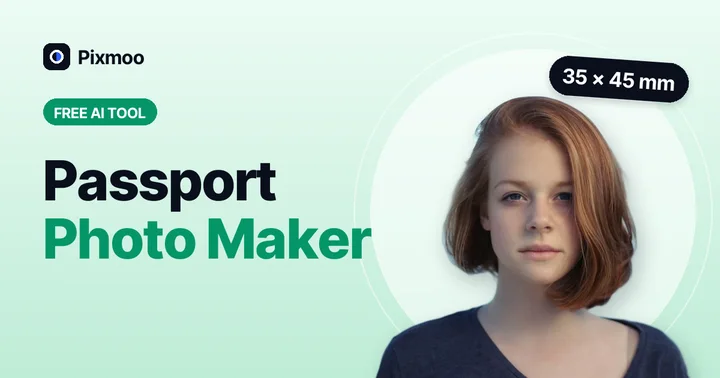 AI
AI
Passport Photo Maker
Passport & visa photos with white background in 35×45 mm, 2×2 in and more.
Open tool →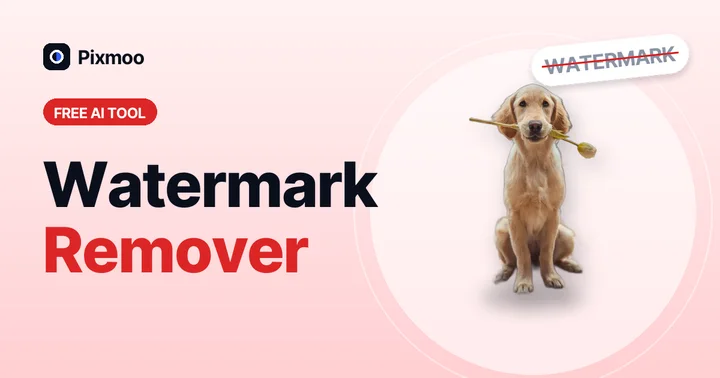 AI
AI
Watermark Remover
AI finds and removes watermarks, text and logos automatically — or select exactly what should go.
Open tool →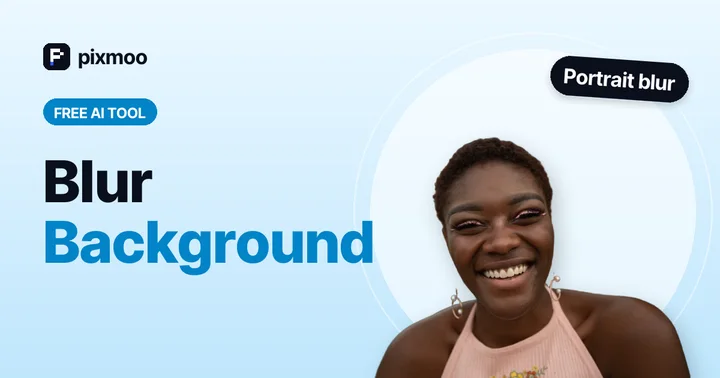 AI
AI
Blur Background
Keep the subject sharp and blur the background like a DSLR portrait.
Open tool →
Signature Background Remover
Turn a photo of your signature into a clean transparent PNG.
Open tool →
Image Compressor
Shrink JPG, PNG and WebP file size with a quality slider, in batches.
Open tool →
Image Converter
Convert JPG ↔ PNG ↔ WebP in batches, keeping transparency.
Open tool →